![SalonInteractive-Logo-Color-Full-RGB.png]](https://pages.saloninteractive.com/hs-fs/hubfs/SalonInteractive-Logo-Color-Full-RGB.png?height=40&name=SalonInteractive-Logo-Color-Full-RGB.png)
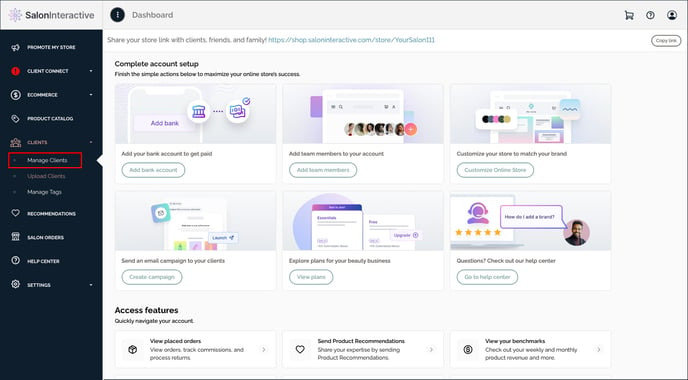
From your menu, click Clients and then Manage Clients.
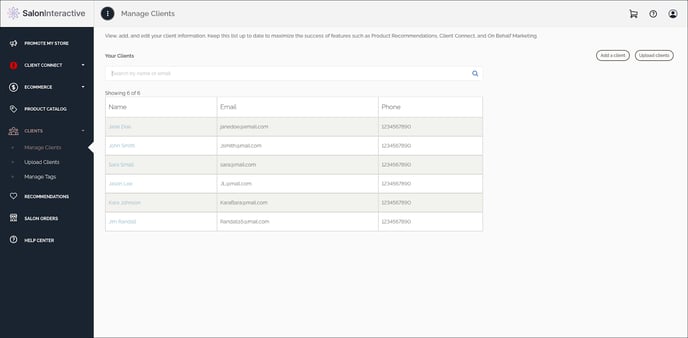
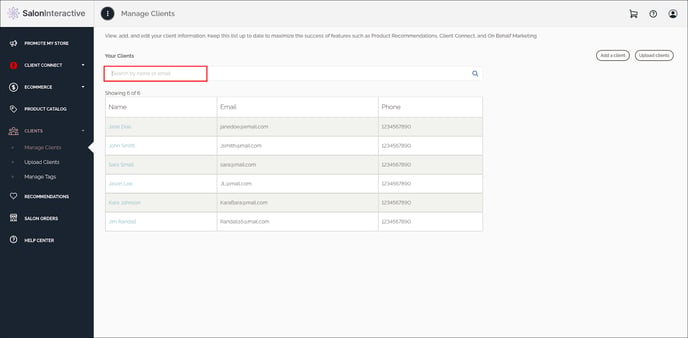
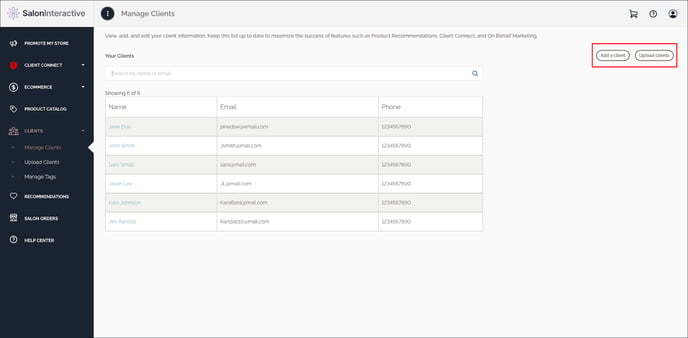
You can search by client, add a new individual client, or upload from another list if desired.
Resources:
- How do I upload clients?
- How do I create or edit a CSV file for my client list?
- How do I add tags?
- How do I make Product Recommendations?
- What is the SalonInteractive mobile app, and how do I use it?
- What is On Behalf Marketing and how does it work?
- How do I create & send email campaigns?
- What are email automations?
If you need help, we’re here for you. Give us a call at 312-300-0553 or open a case at support@saloninteractive.com.