![SalonInteractive-Logo-Color-Full-RGB.png]](https://pages.saloninteractive.com/hs-fs/hubfs/SalonInteractive-Logo-Color-Full-RGB.png?height=40&name=SalonInteractive-Logo-Color-Full-RGB.png)
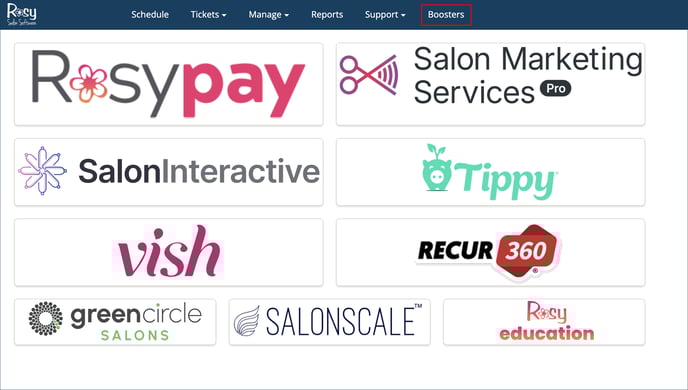
- Log in to Rosy.
- Look for and click the Boosters tab at the top, next to Support.
- Click on SalonInteractive, and you’ll be taken to your SalonInteractive dashboard.
Resources:
Resources & Getting Started with SalonInteractive as a Rosy User
How do I set up my Online Store as a Rosy user?
If you need help, we’re here for you. Give us a call at 312-300-0553 or open a case at support@saloninteractive.com.