![SalonInteractive-Logo-Color-Full-RGB.png]](https://pages.saloninteractive.com/hs-fs/hubfs/SalonInteractive-Logo-Color-Full-RGB.png?height=40&name=SalonInteractive-Logo-Color-Full-RGB.png)
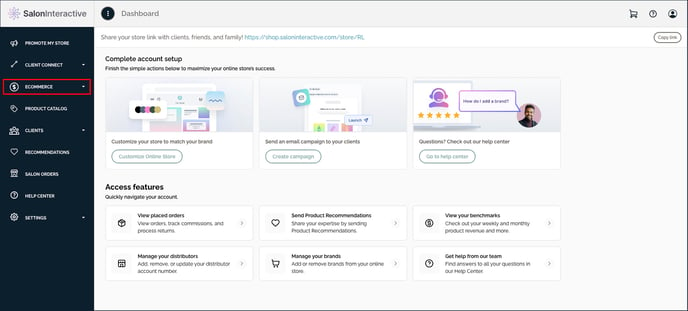
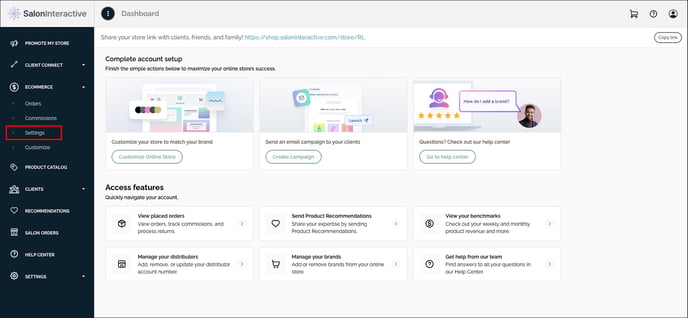
First, log Into SalonInteractive. In your menu, go to eCommerce and then Settings.
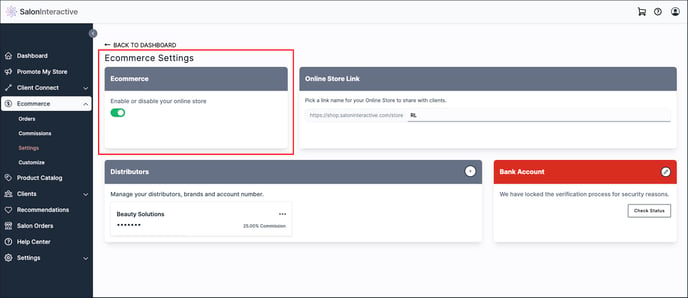
 Under eCommerce Settings, look for eCommerce.
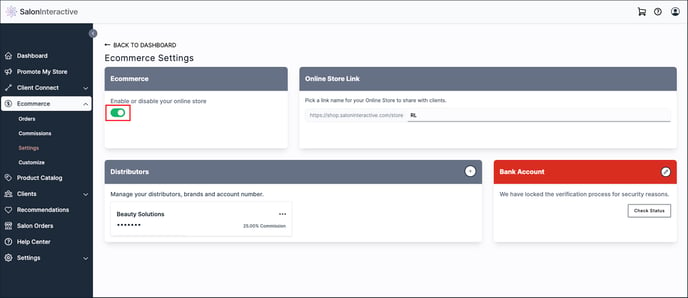
Slide the toggle to the right to turn on your online store or to the left to turn it off.
If you need help, we’re here for you. Give us a call at 312-300-0553 or open a case at support@saloninteractive.com.