![SalonInteractive-Logo-Color-Full-RGB.png]](https://pages.saloninteractive.com/hs-fs/hubfs/SalonInteractive-Logo-Color-Full-RGB.png?height=40&name=SalonInteractive-Logo-Color-Full-RGB.png)
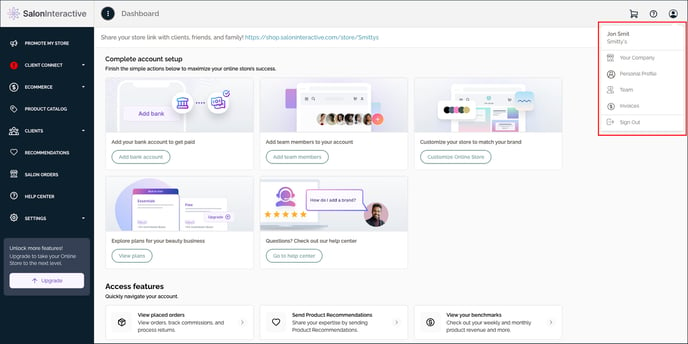
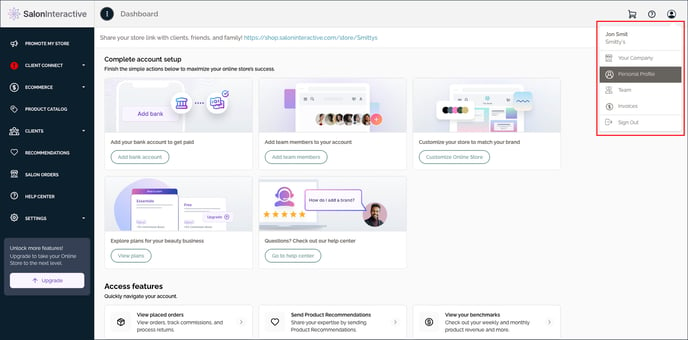
First, log into SalonInteractive. In the upper right-hand side, click the profile (person) icon and then Personal Profile.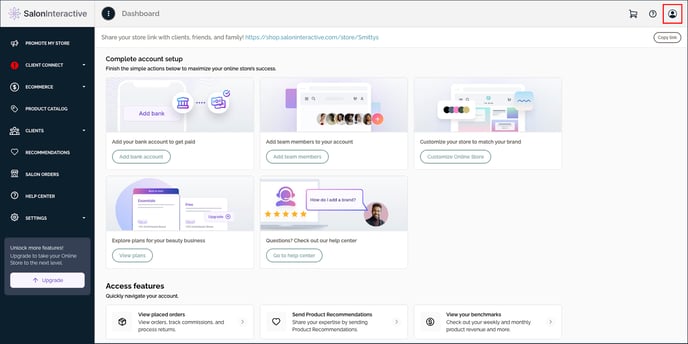
You’ll have three options: Edit Profile, Edit Photo, or Change Password.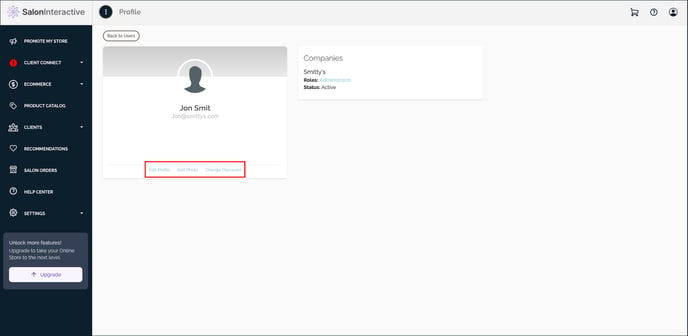
Click Edit Photo to add or change your photo.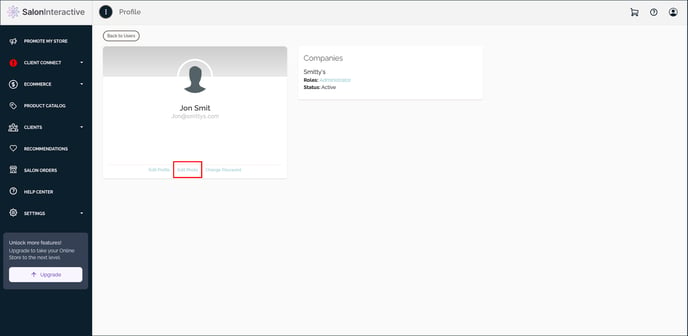
For best results, please upload a square profile image as a .jpg or .png file that is 100x100 pixels up to 400 x400 pixels.
To upload your photo, click the upload icon.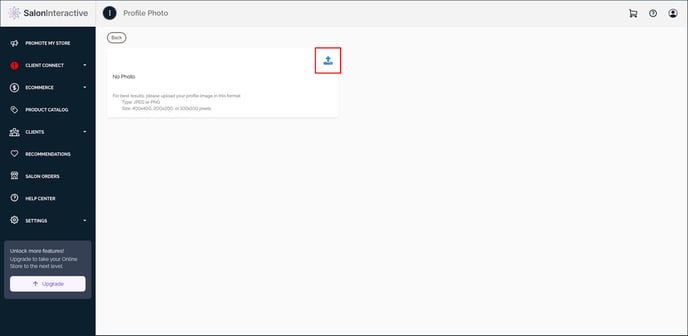
Find your photo on your device, click on it, and then click the Open button.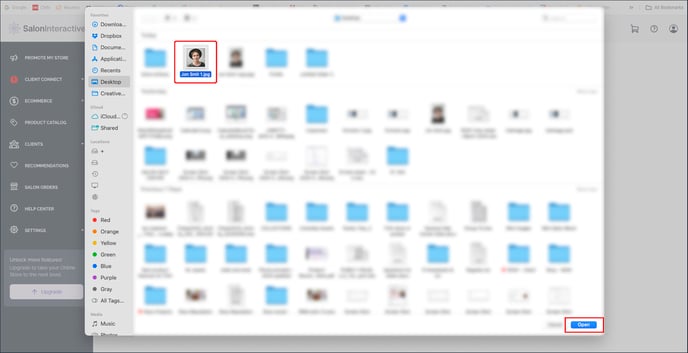
After a few moments, your image will finish uploading and you’re profile icon will update. 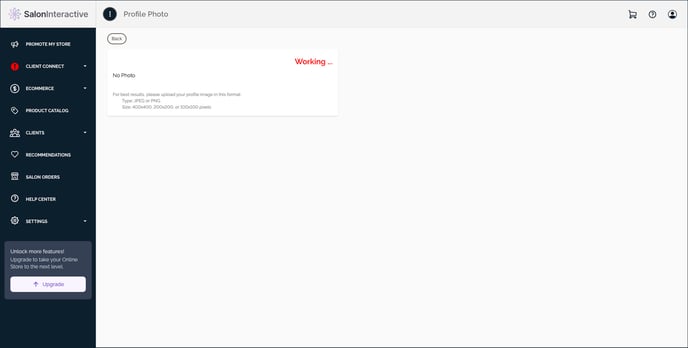
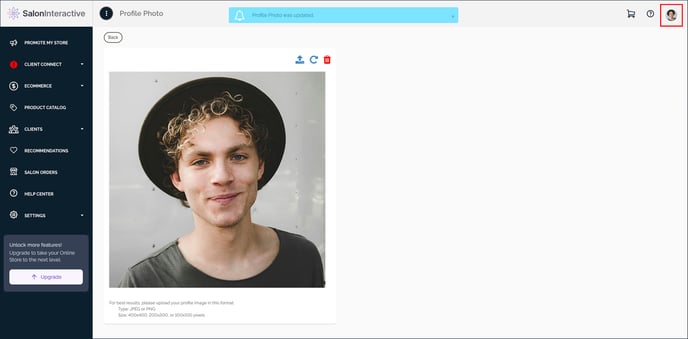
Your profile picture has been added/updated.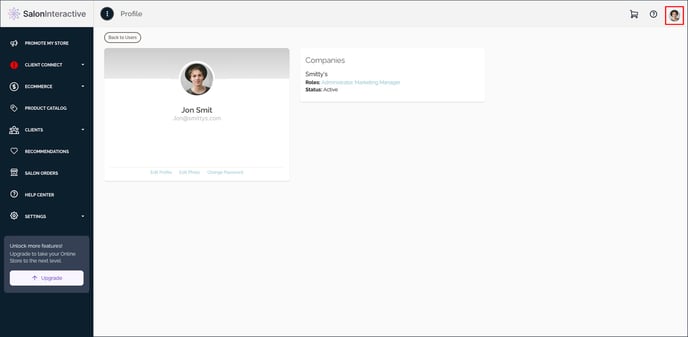
Resources:
How do I edit my profile information?
How do I edit my company settings?
How do I add or change my logo?
If you need help, we’re here for you. Give us a call at 312-300-0553 or open a case at support@saloninteractive.com.