![SalonInteractive-Logo-Color-Full-RGB.png]](https://pages.saloninteractive.com/hs-fs/hubfs/SalonInteractive-Logo-Color-Full-RGB.png?height=40&name=SalonInteractive-Logo-Color-Full-RGB.png)
Bundles are completely editable. You can delete a bundle, remove product(s) from a bundle, or add product(s) to a bundle.
Delete a bundle
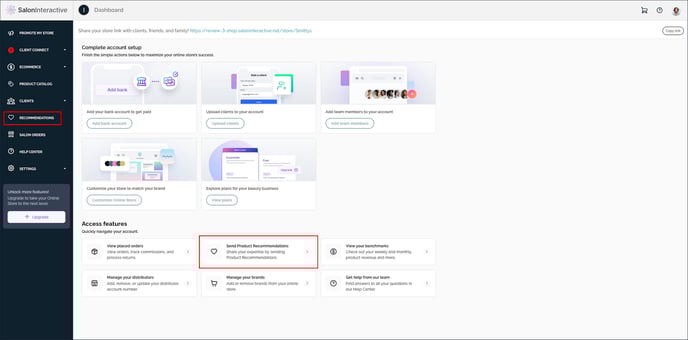
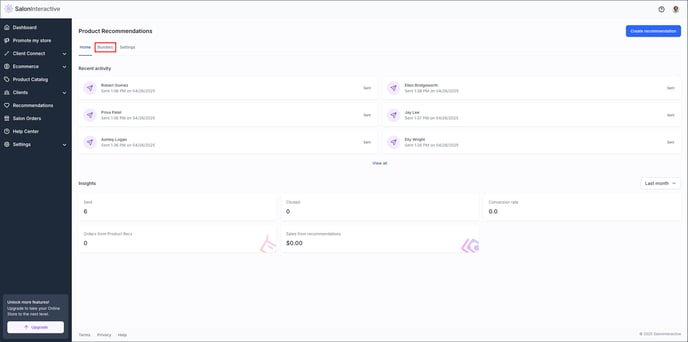
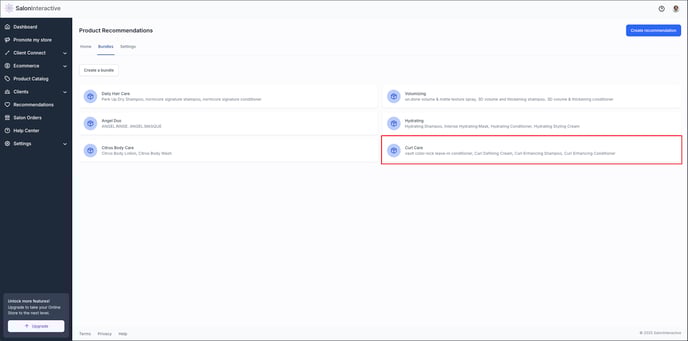
From your home screen, click Recommendations and then Bundles. On the Bundles page, select the bundle you want to remove from your list of bundles.
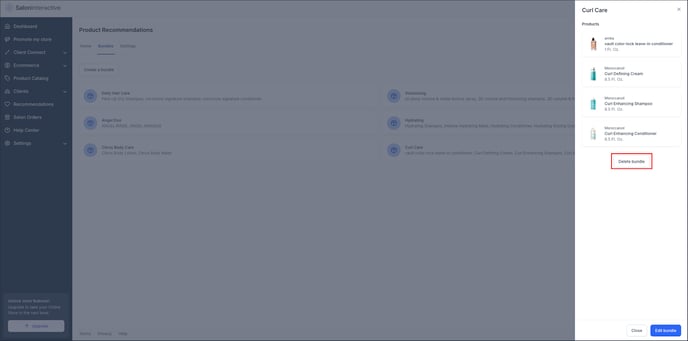
Click Delete bundle.
Delete a product from a bundle
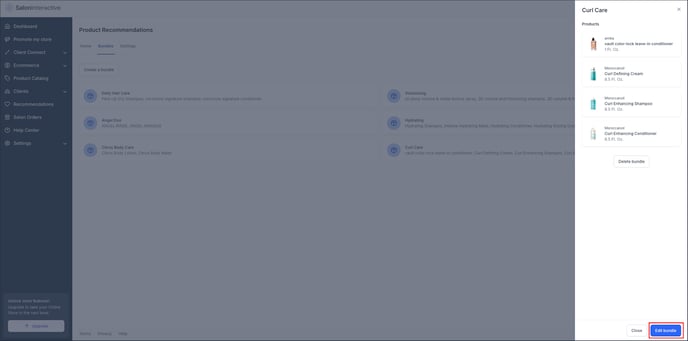
To edit a product in an existing bundle, go to the bundle detail page and select the bundle you want to edit.
In the slide out, click Edit bundle.
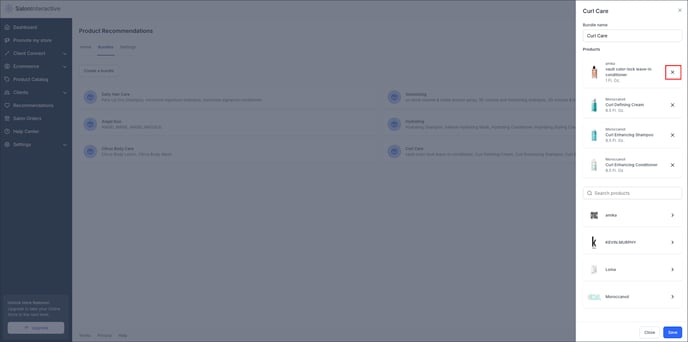
Click the X next to each product you want to remove from this bundle, then click Save.
Add product(s) to a bundle
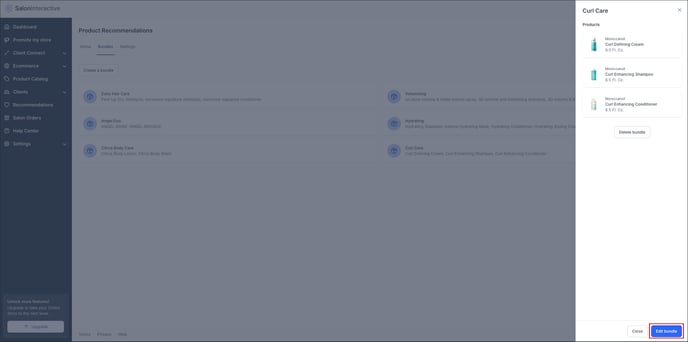
You can also add products to an existing bundle. From the bundle detail page, select the bundle you want to edit. Click Edit bundle.
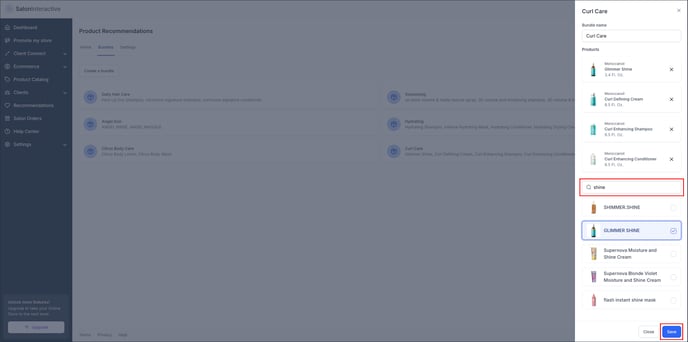
Search for and select the product(s) you want to add to this bundle. Click Save when done.
Resources: