![SalonInteractive-Logo-Color-Full-RGB.png]](https://pages.saloninteractive.com/hs-fs/hubfs/SalonInteractive-Logo-Color-Full-RGB.png?height=40&name=SalonInteractive-Logo-Color-Full-RGB.png)
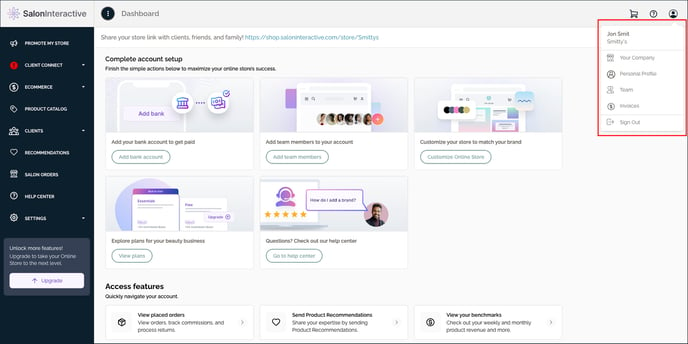
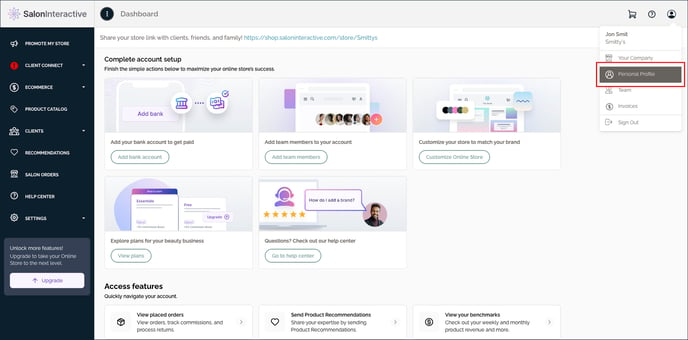
First, log into SalonInteractive. In the upper right-hand side, click the profile (person) icon and then Personal Profile.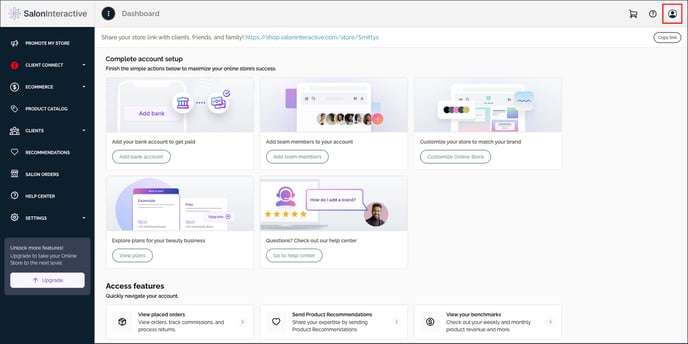
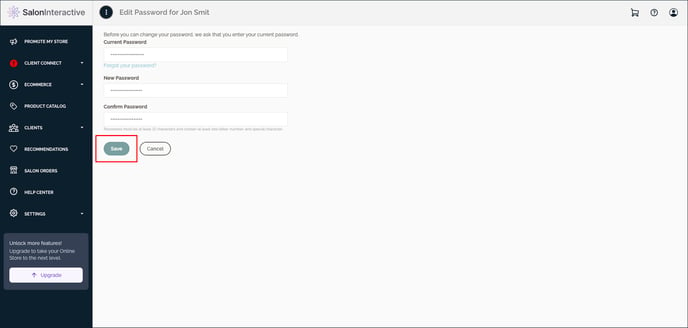
You’ll have three options: Edit Profile, Edit Photo, or Change Password. Click Change Password.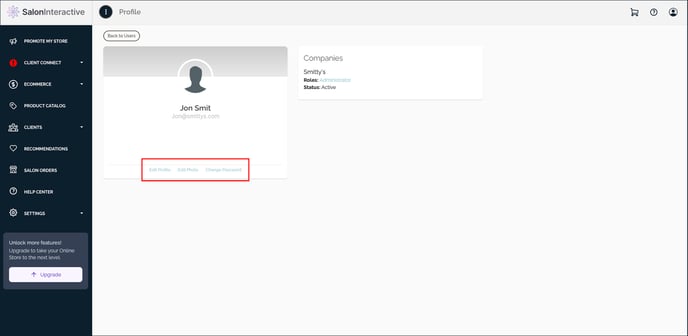 Type your current password in the first box and your new password in the second and third boxes. Click Save to finish.
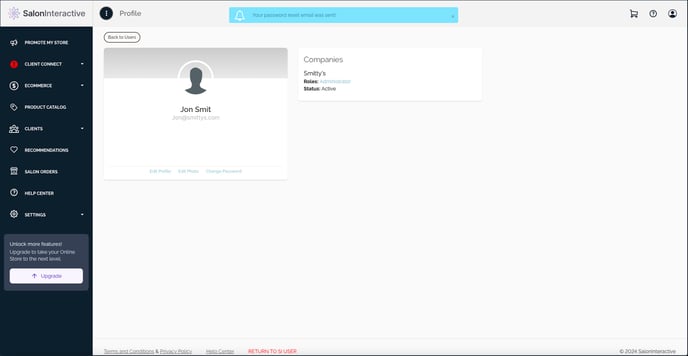
 If you forgot your password, click the Forgot your password? link.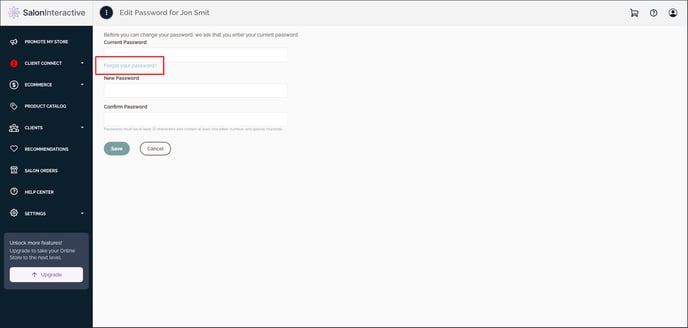
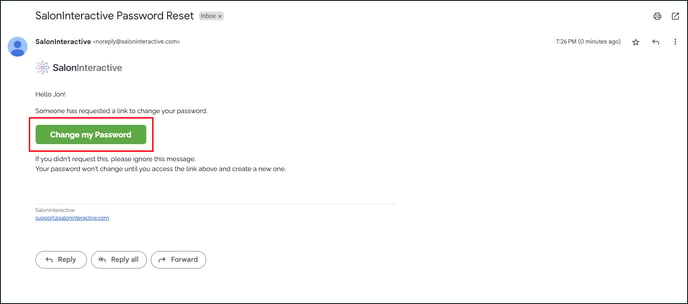
 Find your email and click on the Change My Password button.
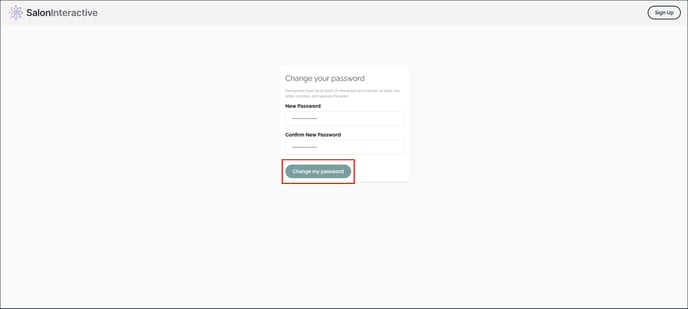
 Type your new password in both boxes, and click Change My Password.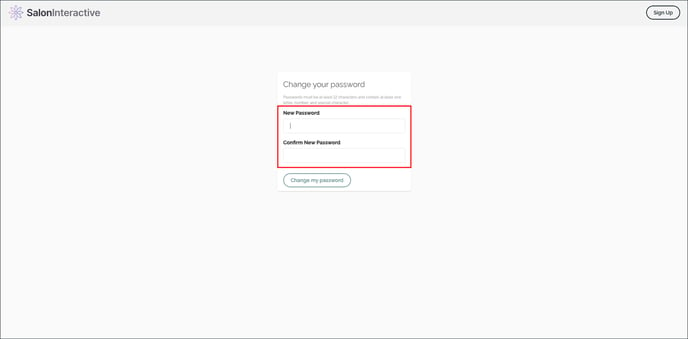
 Check out the links below if you need help with any of these steps.
Resources:
How do I edit my profile photo?
How do I update my profile information?
How do I edit my company settings?
How do I add or change my logo?
If you need help, we’re here for you. Give us a call at 312-300-0553 or open a case at support@saloninteractive.com.