![SalonInteractive-Logo-Color-Full-RGB.png]](https://pages.saloninteractive.com/hs-fs/hubfs/SalonInteractive-Logo-Color-Full-RGB.png?height=40&name=SalonInteractive-Logo-Color-Full-RGB.png)
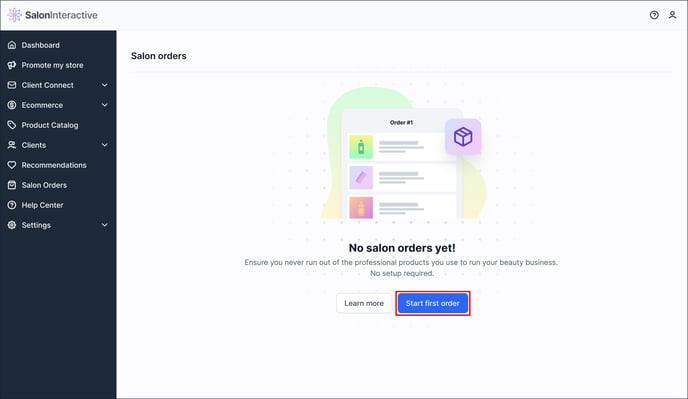
From your menu, click Salon Orders, then click Start first order.
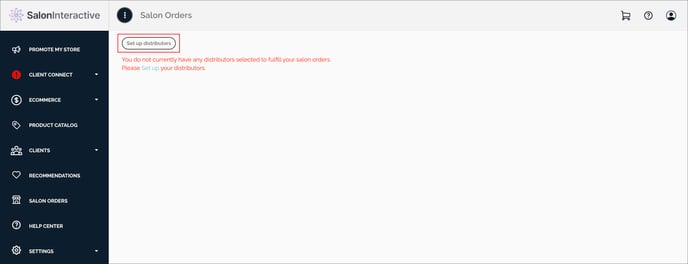
Click Set up distributors.
Select which distributor in your area you want to add.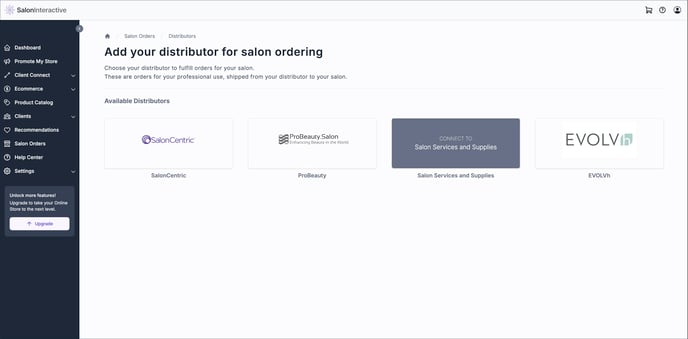
Add your distributor account number and click Connect.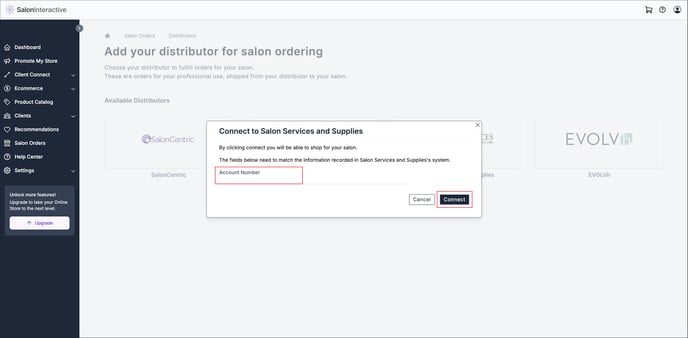
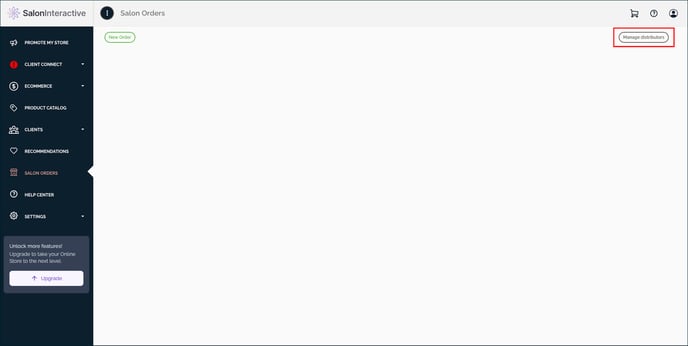
Manage Distributors
To manage your chosen distributors for salon ordering, Click Manage distributors.
Resources:
If you need help, we’re here for you. Give us a call at 312-300-0553 or open a case at support@saloninteractive.com.