![SalonInteractive-Logo-Color-Full-RGB.png]](https://pages.saloninteractive.com/hs-fs/hubfs/SalonInteractive-Logo-Color-Full-RGB.png?width=267&height=40&name=SalonInteractive-Logo-Color-Full-RGB.png)
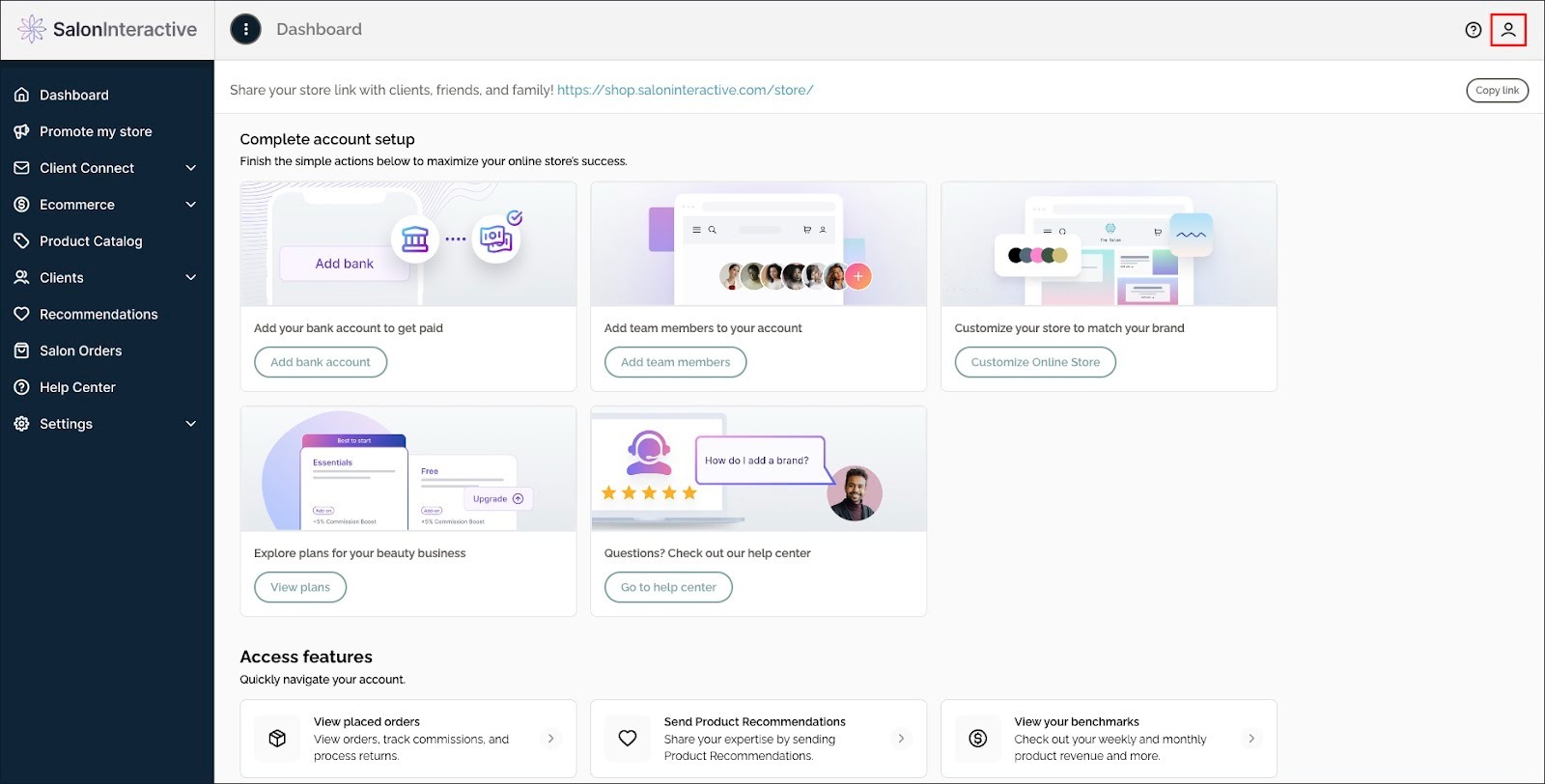
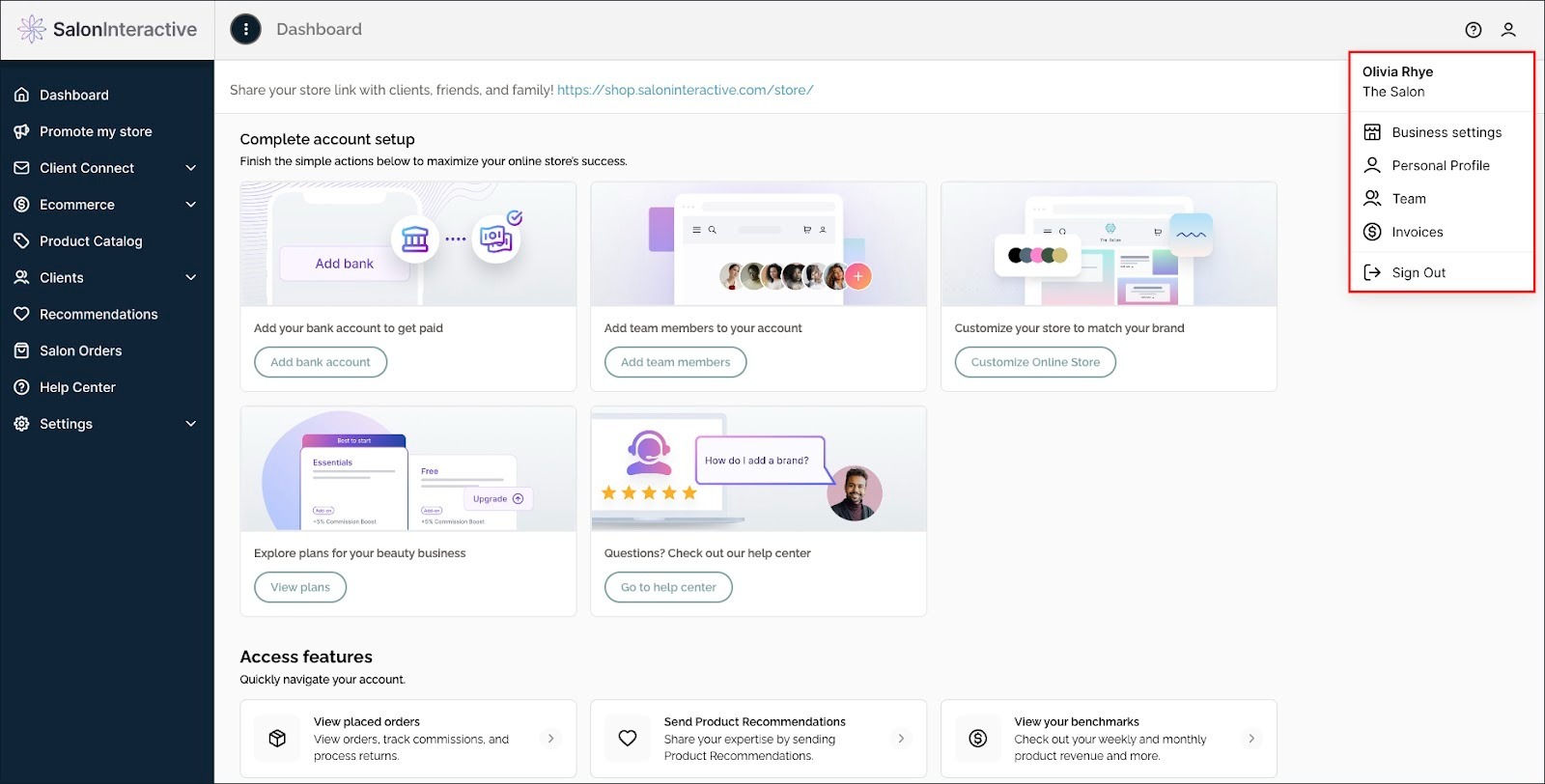
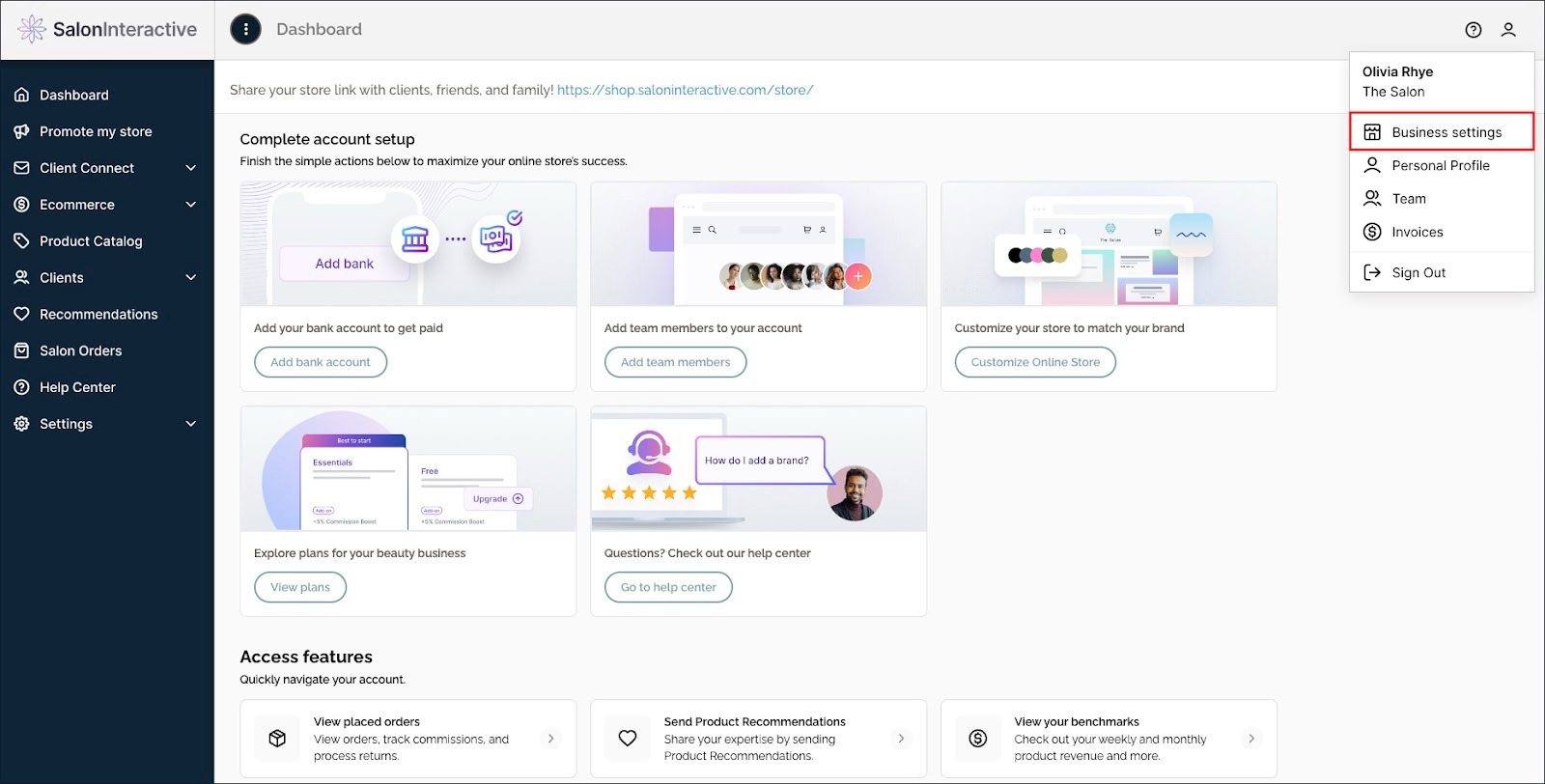
First, log into SalonInteractive. In the upper right side, click the profile icon and then Business settings.
A new window will show your basic contact information, logo, and business and social media links.
Go to the Business links section and click the Add business links button.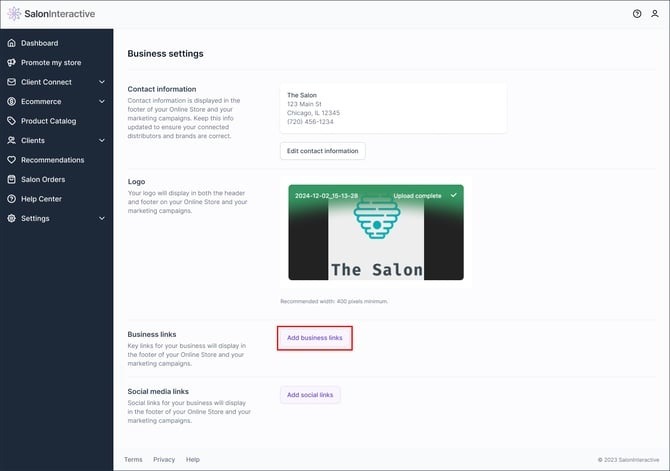
Add your booking link and click Save changes when done. 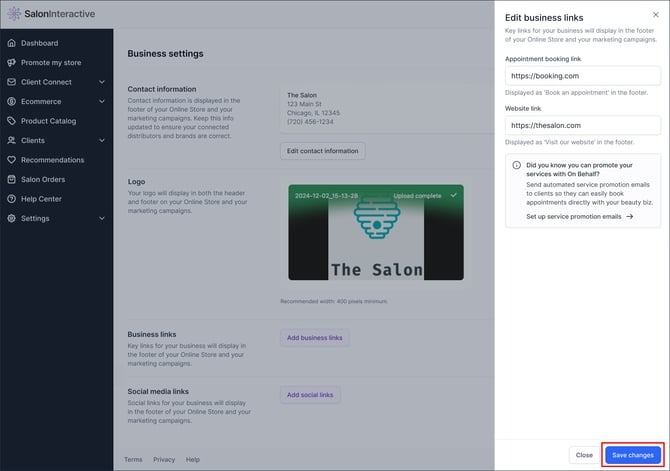
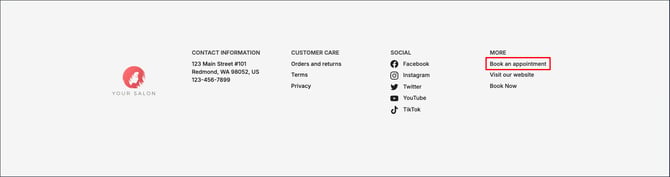
Your booking link will display in the footer section of your Online Store and email marketing as Book an appointment.
If you need help, we’re here for you. Give us a call at 312-300-0553 or open a case at support@saloninteractive.com.